Loading...


Master your systems with our curated collection of how-to videos and tutorials.
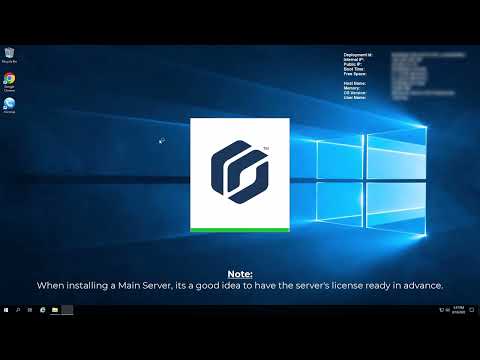
Security Center software installation. Both server and workstation are covered in this video.
Server architecture / role-based architecture.
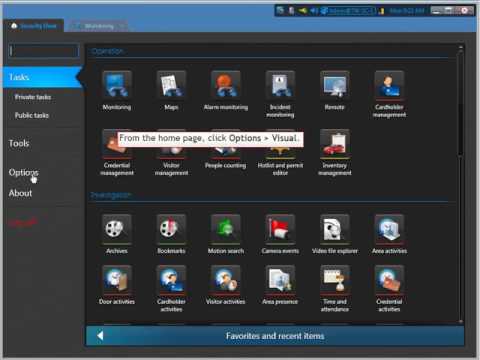
How to customize the way tiles are displayed in Security Center.
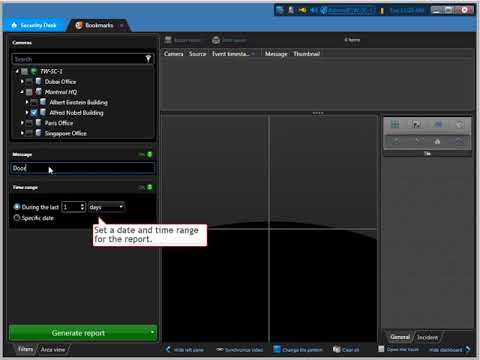
How to generate reports in Security Center.
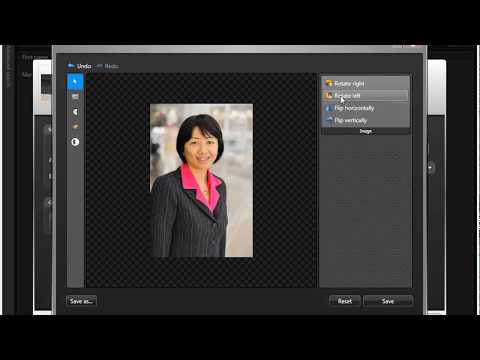
To add new employees who must enter and exit secured areas using access cards, and to track their activities, you can create cardholders using the Cardholder management task.
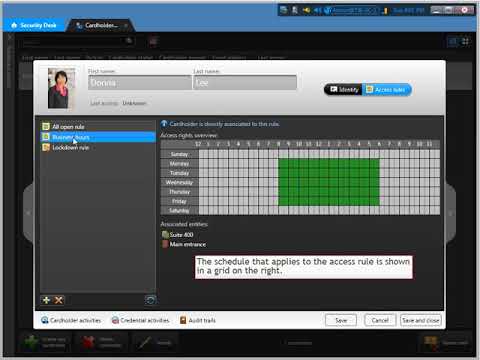
To assign access rules to cardholders in Security Center, you must first create cardholders and then define the access rules that apply to them.
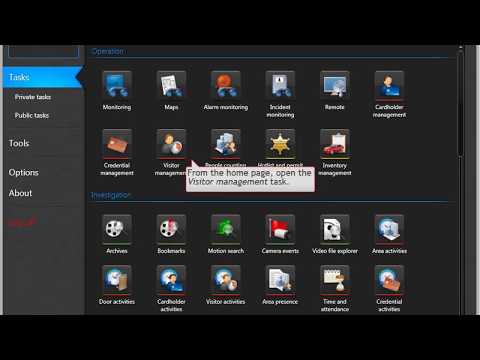
To check in new visitors, you can use the Visitor Management task in Security Center. This task allows you to create visitor profiles, assign access rules, and track their activities during their visit.
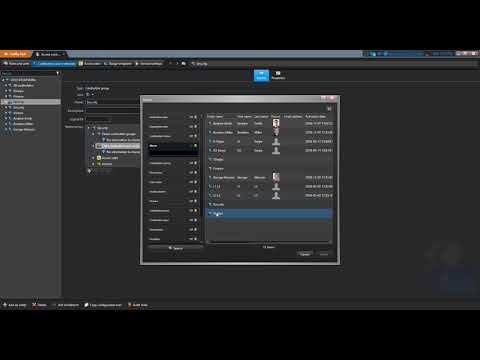
A quick example of creating a cardholder group in Config Tool.
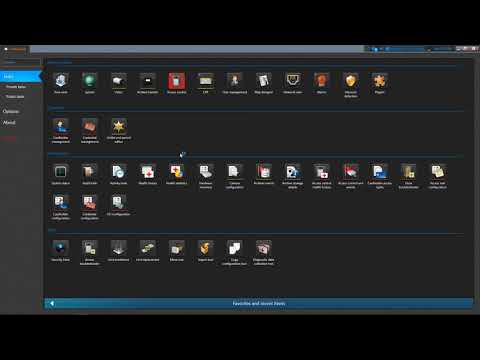
A quick example of how to create an Access Rule in Config Tool. This video explains the 3 W's (Who,When,Where) necessary on the access rule.
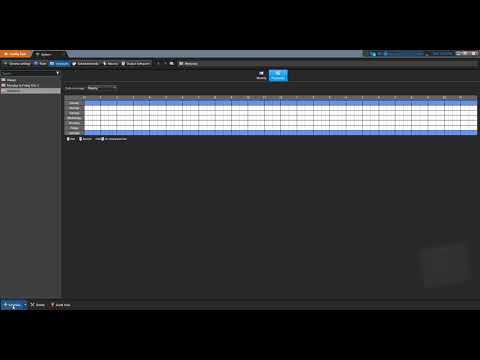
A quick example of the steps necessary to create a schedule in Config Tool.
This video shows how to add a credential to the system when no enrollment reader is available.
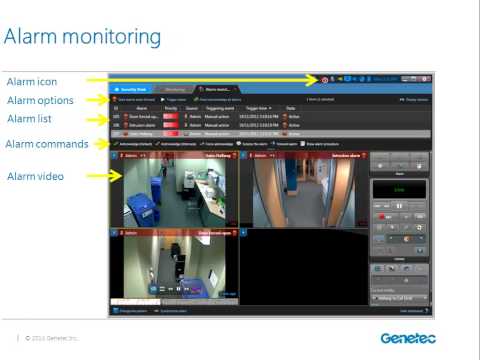
Basic operator training for the Security Center 5.2 Security Desk application
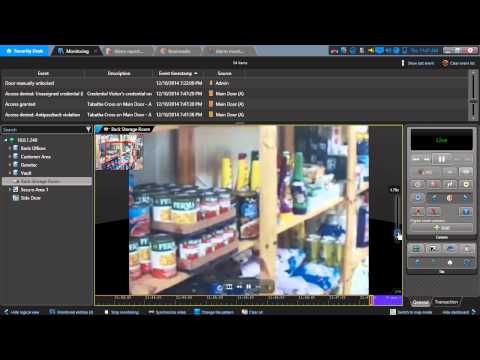
In this webinar we will talk about the general use of the Security Desk client application, such as navigation and handling of alarms, and specific operations related to video and access control, like creating bookmarks and managing visitor credentials.
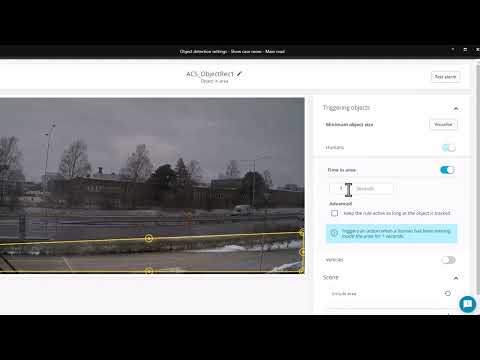
This video with show you the highlights of some of the new features introduced into ACS Pro 6.14.
Learn how audit logging in AXIS OS plays a key role in system accountability and compliance.
An overview to the course and what you will learn from it. Defines automation systems and how Crestron provides the right solutions.
Ethernet connectivity overview covering POE or Power Over Ethernet, network IP addressing, as well as how to set the IP ID of Crestron products.
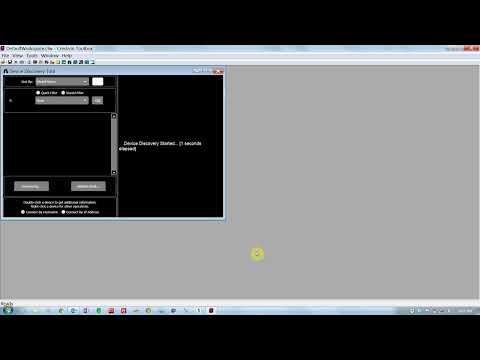
How to use Crestron Toolbox™ as well as using Device Discovery and Easy Config to simplify discovering and setting up Crestron products.
This video will cover the Crestron best practices on how to debug connections with all the supported Crestron connection types. This will include how the local Wi-Fi RF signals can cause interference with infiNET EX® devices.
Let's start by understanding your goals. Whether you need a simple update or a campus-wide deployment, we engineer solutions custom-built around your environment and your people.